
Microsoft did some java update thingy to their authenticator, resulting in minecraft versions using old java versions not being able to join servers. This shows how to download and fix this for minecraft versions using java 8, which includes for example versions 1.12.2 and 1.16.5. As a rule, java 8 can be used for minecraft versions 1.16 and below.
As shown in the video, you are supposed to select the javaw.exe file, not the java.exe file- make sure to not get this wrong!
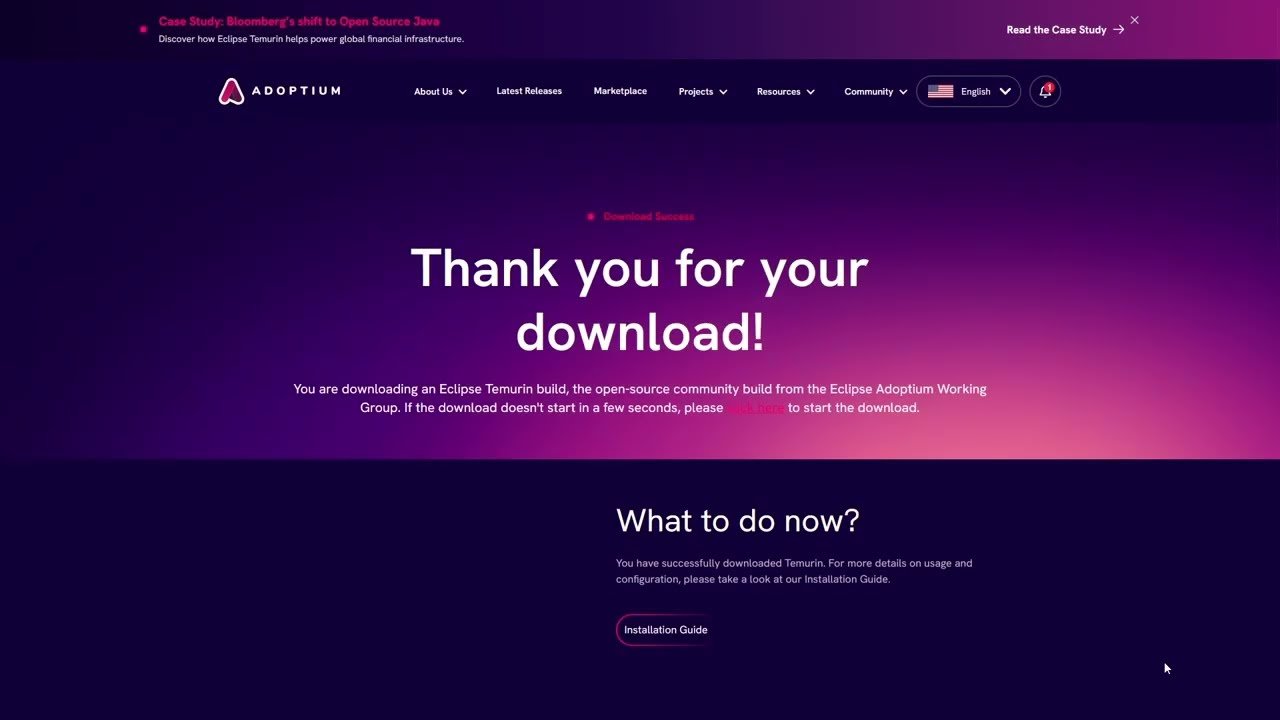
Link used in video for direct download: https://adoptium.net/download?link=https%3A%2F%2Fgithub.com%2Fadoptium%2Ftemurin8-binaries%2Freleases%2Fdownload%2Fjdk8u462-b08%2FOpenJDK8U-jre_x64_windows_hotspot_8u462b08.msi&vendor=Adoptium
I can NOT guarantee this will work, and microsoft will (hopefully) fix this in some way or another later, but this should serve at least as a temporary fix. Also, I don’t think youtube allows my full links to be clickable or seen in the description, and I will thus message it in the comments too.
I am NOT responsible for anything you do to your computer. As said earlier, this is NOT a guaranteed fix. On another note, since you are fully responsible for what happens to your computer, java or minecraft installations, you should proceed with caution with anything seen in the video. If you feel anything in the video warrants uncertainty, or makes you uncomfortable with following it, then please look into other solutions or research on your own before doing any potentially damaging changes to your computer and/or java.
*Anything shown in the video should not be permanent, but like I said earlier I can not guarantee anything. Running the installer again gives the option of uninstalling or repairing the java installed in the video.
source


0 Comments