
Also, get INFINITE AMMO: https://youtu.be/SVe_E44PyRU
And check out how to get the Playstation icons in Red Dead Redemption on Windows:
https://youtu.be/qhzYcYhUshw
📢 Go Subscribe to @D3RFY for even more Gorilla Tag, Roblox and more videos
📢 Subscribe to @GamingDadNYC gaming videos
📢 Subscribe to @RockerDadNYC for music videos
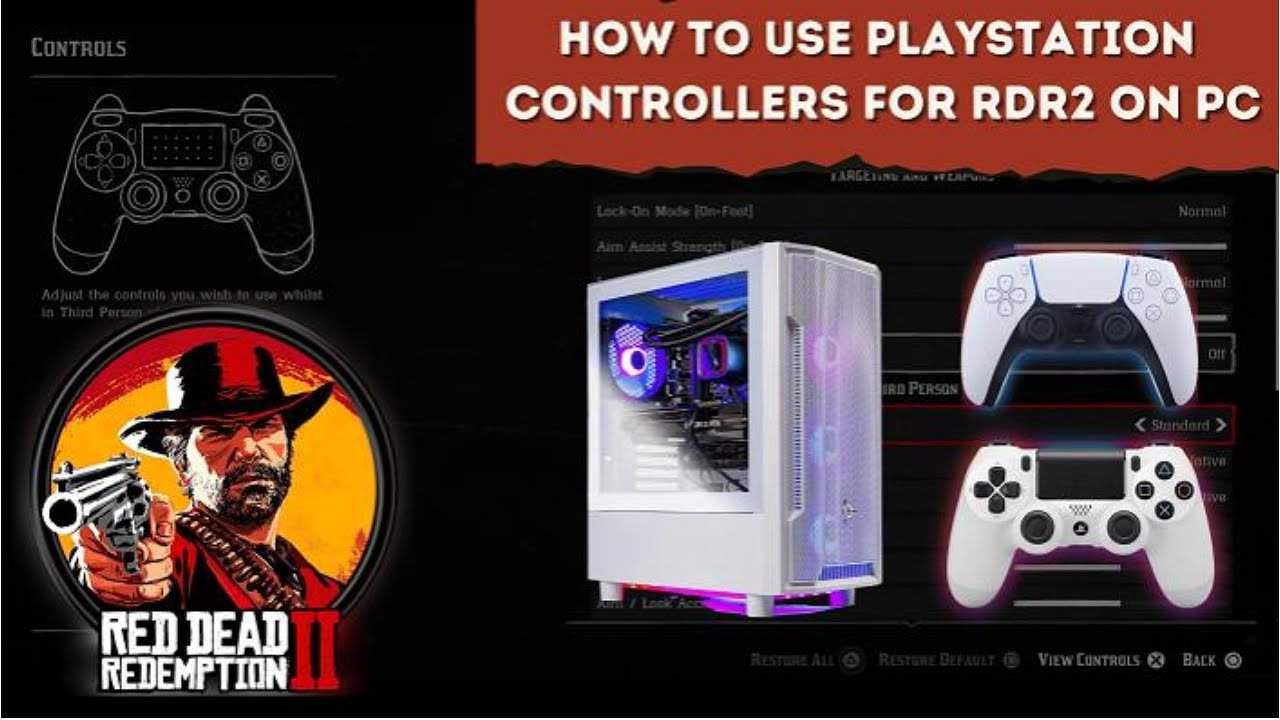
How can I use my Playstation controller on a Windows PC to play Red Dead Redemption 2. We’re going to install DS4Windows4/5 (Formerly known as DS4Windows4). DS4Windows is an open-source software that serves as a gamepad input mapper and virtual emulator, enabling the use and connection of your PlayStation controller (DualShock 3/4 and DualSense 5) with a PC running Windows 10 or 11.
Step by step:
1. Download “Virtual Gamepad Emulation Bus” aka “ViGEmBus”. At the time of this writing (Nov 7, 2023) the links on the official DS4Windows4/5 site, https://ds4-windows.com/download/vigembus-driver/ don’t work. Instead, you can download from the author’s GitHub repository: https://github.com/nefarius/ViGEmBus/releases and look for “ViGEmBus_1.22.0_x64_x86_arm64.exe”. Once the file is downloaded, run and install the application.
2. After DS4Windows4/5 is installed, we need to install “Microsoft .NET 6.0.6 Runtime Desktop”. This link will take you directly to the download: https://dotnet.microsoft.com/en-us/download/dotnet/thank-you/runtime-desktop-6.0.6-windows-x64-installer. Once the file is downloaded, run and install the framework.
3. You may also need to install “Visual C++ 2015-2019 Redistributable”. This link will take you directly to the download for x64-bit Windows (aka Windows 64-bit, more recent computers like Windows 7 and up): https://aka.ms/vs/16/release/vc_redist.x64.exe and this link will take you directly to the download for x86 Windows (aka Windows 32s-bit, older computers).
If you are not sure which one you need, open file explorer on your computer, Right click “This PC” and click properties. Then look at “System type” and you’ll see the “x-based” processer. If you need further help finding what you need, check this site: https://www.tenforums.com/tutorials/176966-how-check-if-processor-32-bit-64-bit-arm-windows-10-a.html
4.After all of the above are installed, download “DS4Windows4/5” https://ds4-windows.com/download/ryochan7-ds4windows/
5. Plug in your PS5 or PS4 controller to your PC via USB-C or USB-A. You can use Bluetooth, but I prefer a USB connection.
6. Go into the folder where you downloaded “DS4Windows4” until you find “DS4Windows.exe”. Double-click it and a new window will appear with menus like “Controllers”, “Profiles”, etc… Your controller should appear in the list after a few seconds.
7. Still inside DS4Windows4, go to the “Profiles” menu and click “New” to create a new profile. When prompted to select a preset, choose “Yes”. Then choose DualShock 4 from the “Output Controller” selection choices. Then click the “Apply” button.
8. Give your profile a name (the text field to the left of the “Save” button, but don’t save it yet). On the right side of the window you will see “Other” alongside things like “Gyro”, “Touchpad”, etc. Click “Other” and then you should see an option for “Emulated Controller”, make sure it’s set to “DualShock4”. If it’s not, change it so it does. Now you can click “Save”.
9. Now you’re back in the main window of DS4Windows. On your controller that’s in the list, change the “Selected Profile” option to the profile name you just created. Minimize the window. Closing it will disconnect the mapping, so make sure it’s just minimized.
10. Now go to Steam and then your Library. Right-click on Red Dead Redemption 2 and choose Properties. Once that opens, click Controller. Make sure the dropdown is set to Disable Steam Input.
10. Now open Red Dead Redemption 2 and you can start using your PlayStation controller to play red dead redemption on your pc.
Links from the video:
If you don’t know whether you need x86 or x64, check this page:
🔗https://www.tenforums.com/tutorials/176966-how-check-if-processor-32-bit-64-bit-arm-windows-10-a.html
Download page for DS4:
🔗https://ds4-windows.com/download/ryochan7-ds4windows/ The correct “Download” button is a blue color above a table with the word “Version”. There may be other download buttons, but those are ads.
Download page for ViGEmBus (ViGEmBus_1.22.0_x64_x86_arm64.exe)
🔗https://github.com/nefarius/ViGEmBus/releases
Microsoft .NET 6.0.6:
🔗https://dotnet.microsoft.com/en-us/download/dotnet/thank-you/runtime-desktop-6.0.6-windows-x64-installer
C++ x64
🔗https://aka.ms/vs/16/release/vc_redist.x64.exe
C++ x86
🔗https://aka.ms/vs/16/release/vc_redist.x86.exe
We use #Capcut for editing. Get it through my link to get 7 days of the Pro version for FREE!! https://www.capcut.com/capcut_pc_web/fission_receive?code=jQW24414569227&lng=en
source


0 Comments