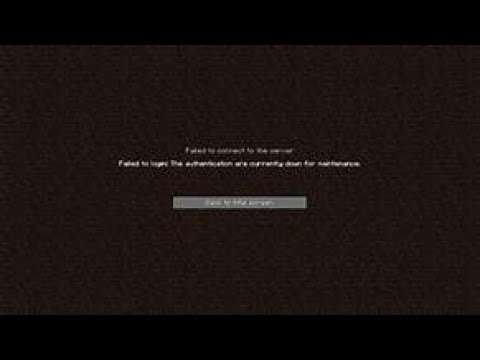
(If you get any errors just try to watch the video again to make sure each step is exactly what you are doing)
Please be aware that using alt account tools violates the Minecraft EULA. These tools create a security vulnerability by sending your login data to their own servers instead of Mojang’s servers.
To fix your login issue you will have to remove the redirects in your hosts file.
Firstly, delete the alt account tool(s) that you’ve used.
Once that is done, please follow the instructions below:
1) Press the Windows key + R key at the same time. This should open the Run box
2) Type into the Run box the entire contents of the following :
powershell -command “Start-Process notepad “$env:windirsystem32driversetchosts” -Verb runas
3) Press OK. Answer Yes/OK when a UAC (User Account Controls) window pops up
4) Find all lines containing “mojang”, and delete the entire lines
( https://imgur.com/a/E8qLgqs )
5) Save the file, and try logging in.
6) leave a like and subscribe
source




0 Comments